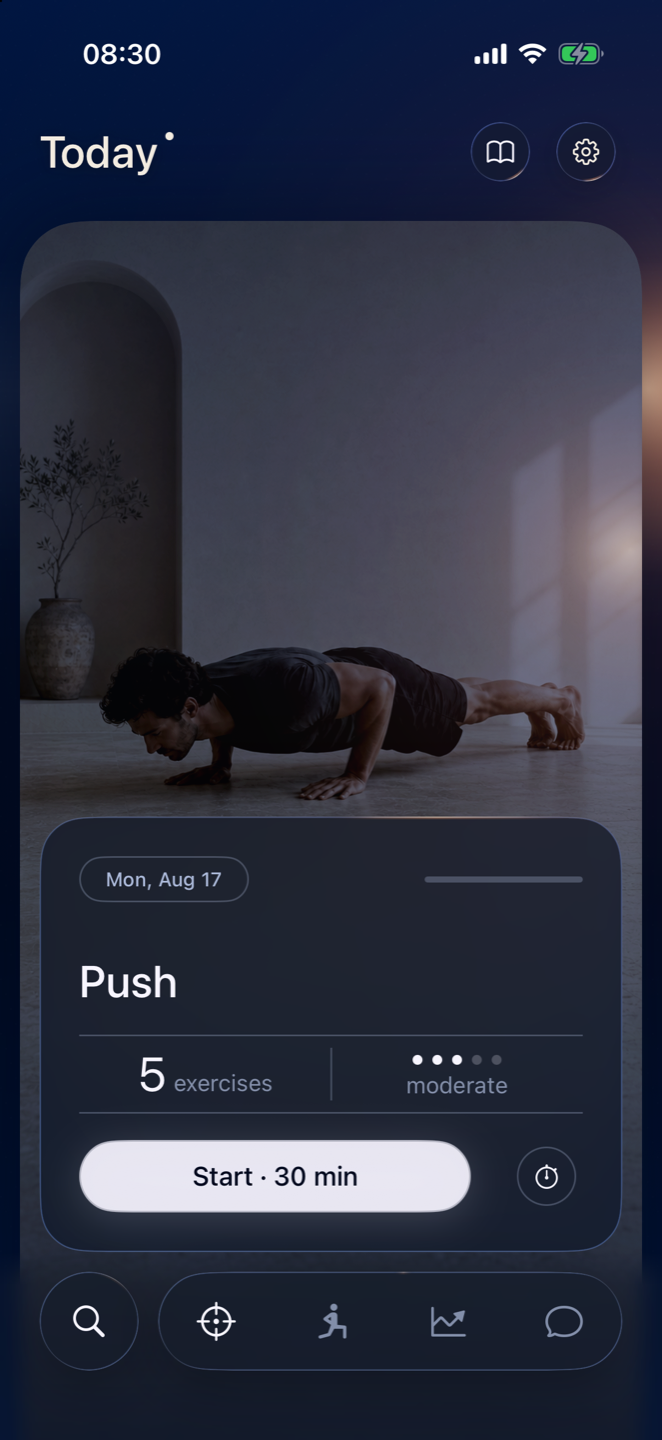
One session. One button.
Today shows the work and the reason for it. No dashboard, no streak, no badge, nothing to dismiss.
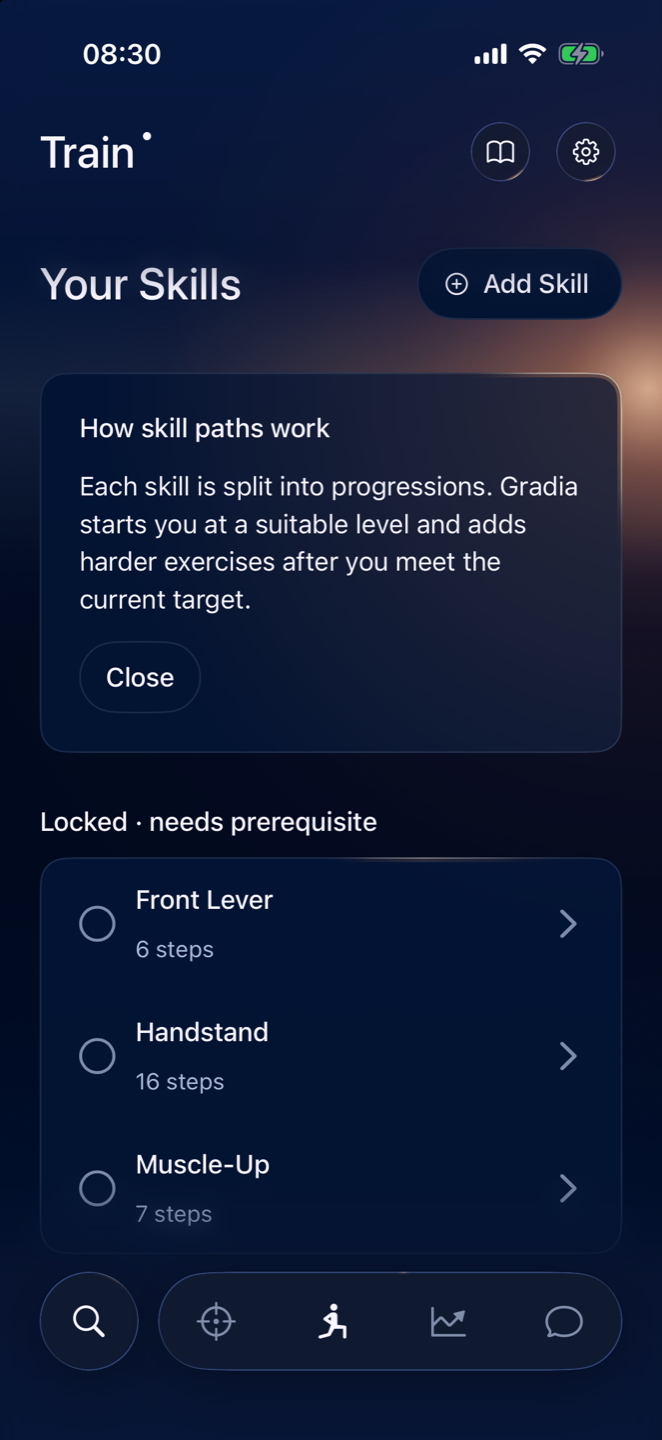
Choose a Pull-Up, Muscle-Up, Handstand or Planche. Gradia finds where you're starting, what's missing, and what to train today.
Coming to the App Store iPhone and iPad · iOS 26 or later
Gradia checks what you can do now, what you have to train on, and how many days you have. The first session comes out of that, not out of a template.
Pull-Up, Muscle-Up, Handstand, Front Lever, Planche.
Eight pull-ups but no dip strength? The route accounts for it.
Exercises, sets, reps, rest, and why this one comes before the next.
Today decides. The session runs it. Coach changes it when your week does.
Today shows the work and the reason for it. No dashboard, no streak, no badge, nothing to dismiss.
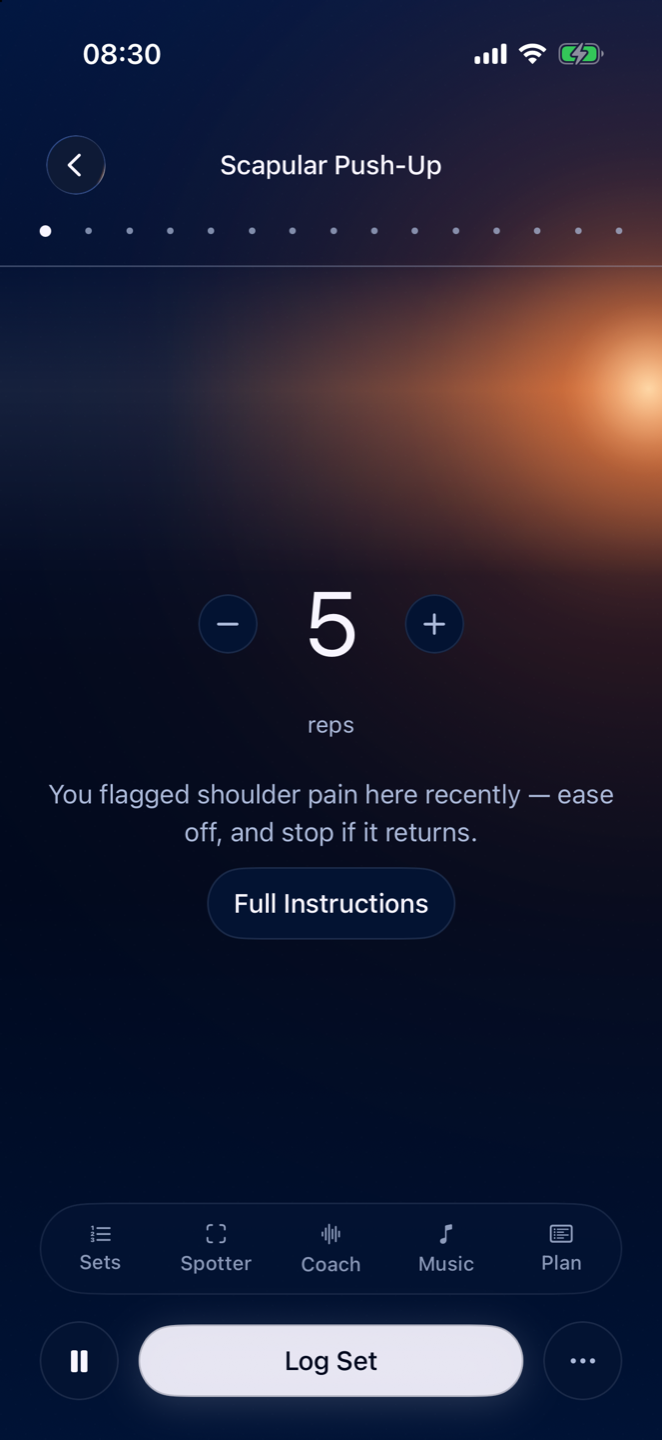
Rep count, the cue that matters, the rest timer. Sets, Spotter, Coach, Music and Plan sit underneath, quiet until you need them.
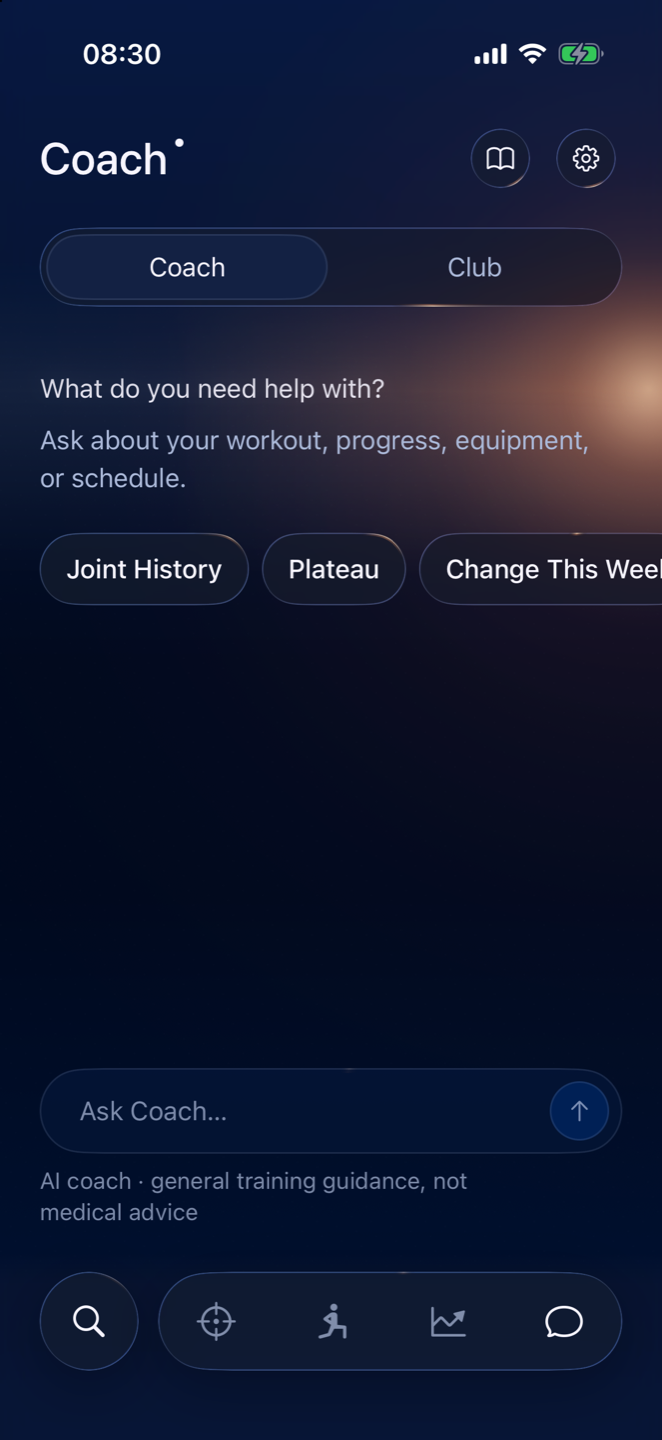
“My elbows hurt during dips.” “Only 20 minutes today.” “I failed the last set.” Coach edits the plan, and the plan stays valid.
Add a service when you want it in your training. Not before.
Rep counting and hold timing run on your iPhone. No video is saved and none of it leaves the device. Gradia has no ads and no trackers.
Every session, every progression, Spotter and the Coach. The whole app for fourteen days, not a sampler of it.
Nothing is charged until day fifteen. Cancel before then and it costs you nothing.
No tiers, no add-ons, no upgrade prompt.
$79.99Yearly
After a 14-day free trial
Or $12.99 monthly. No weekly plan, ever.
Coming to the App Store Renews until you cancel. Cancel any time in Settings.
US pricing shown. Trial available to eligible new subscribers. Payment is charged to your Apple Account at confirmation of purchase, and renews within 24 hours of the period ending unless auto-renew is turned off at least 24 hours before.
A calisthenics training app. You choose a skill, and Gradia builds the progression and the sessions that get you there, around your current ability, your schedule and the equipment you have.
Anyone training their first Push-Up or Pull-Up, and anyone working toward a Muscle-Up, Handstand, Front Lever or Planche. The same route logic runs at both ends.
Floor space is enough to start. A pull-up bar opens most of the pulling skills, and rings open the rest. Tell Gradia what you have and the sessions use that.
No. If you connect it, sleep and recovery data can lower today's load, and finished workouts can be written back. Skip it and everything else still works.
It counts reps and times holds using the camera, on the device. Nothing is recorded, nothing is uploaded. It supports a subset of movements, and it tells you which.
Not yet. Gradia is heading for the App Store on iPhone and iPad. This page will carry the download link the day it lands.